Admin Console
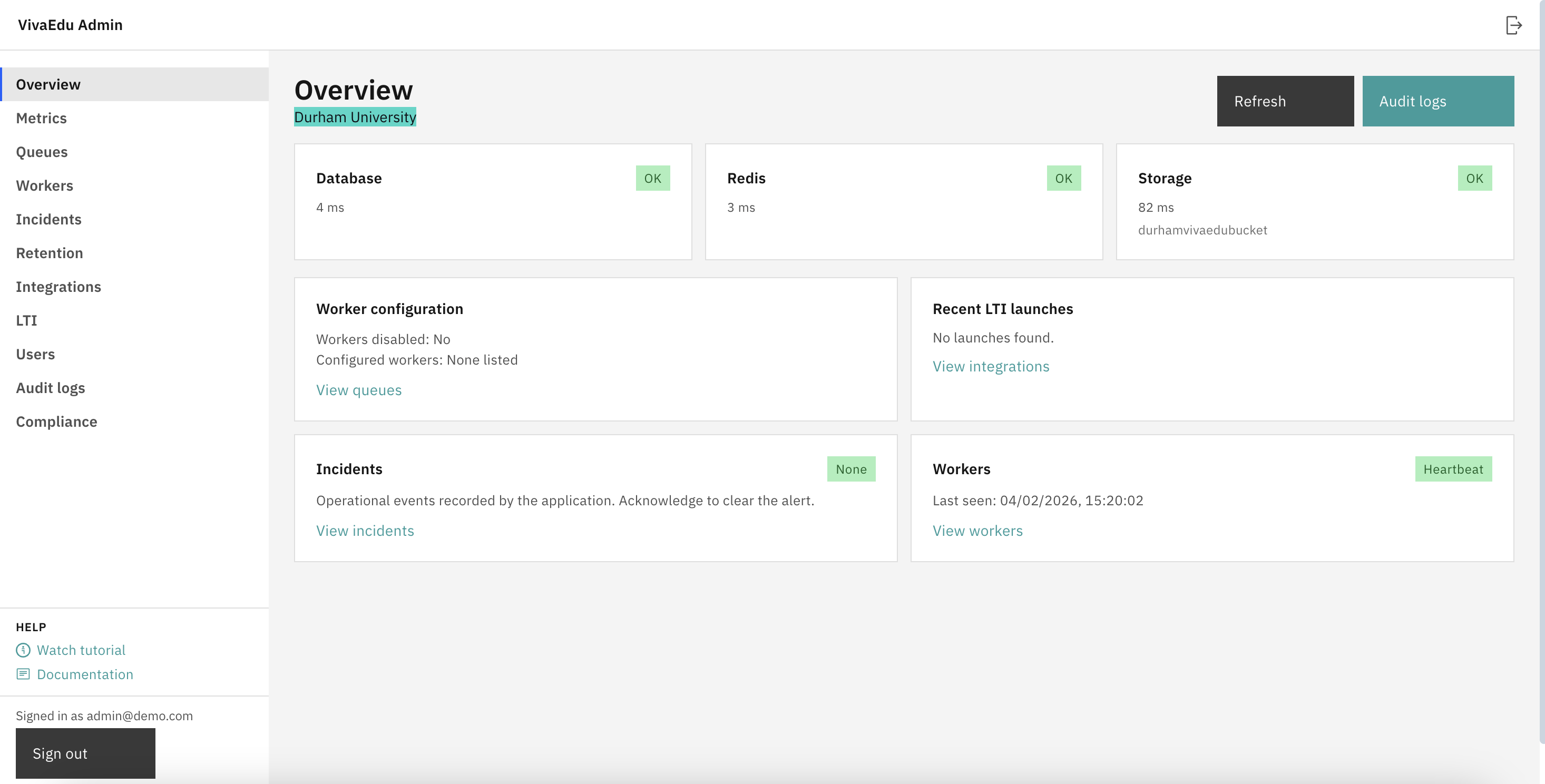
The Admin Console is a dedicated web console for institutional operations. It is separate from course launches via the LMS.
vivaedu.institution.edu/admin
Loading tutorial...
Access
- URL:
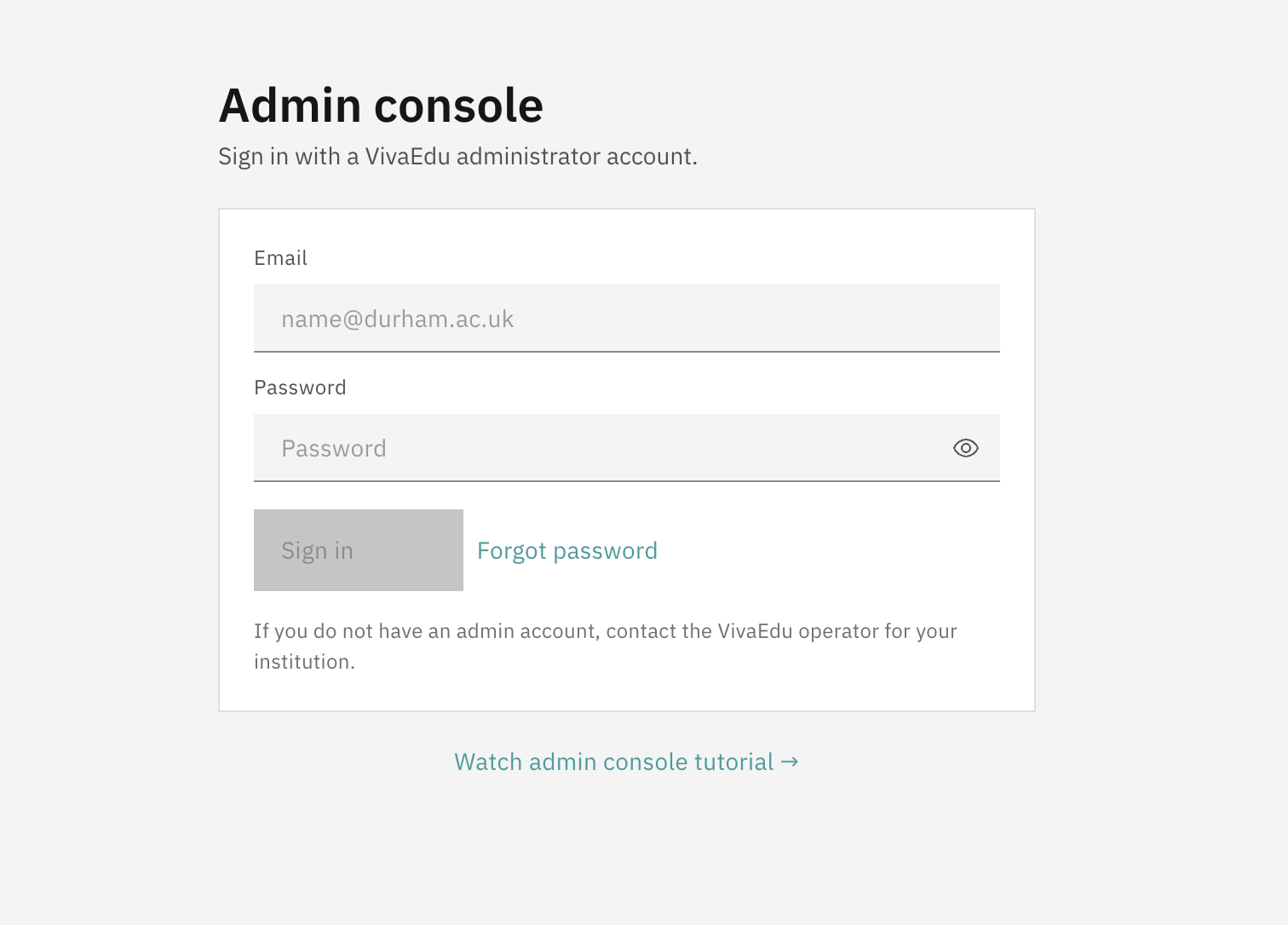
https://<your-institution-vivaedu-host>/admin - Sign-in: Admin accounts are provisioned explicitly (Role.ADMIN). LMS roles do not automatically grant admin access.
- Embedded views: The Admin Console is blocked in embedded contexts. If you open it inside an LMS frame, use the provided link to open in a new tab.
Embedded context notice
The Admin Console is designed to be accessed directly in a browser, not embedded within an LMS iframe. When institutions enforce iframe embedding for all LTI tools, session cookies and cross-origin restrictions can cause intermittent authentication failures. For reliable access, always open the Admin Console in a dedicated browser tab.
Institution isolation on AWS
VivaEdu can be provisioned per institution as an isolated AWS deployment. In this model, each institution has its own application instance and its own AWS S3 bucket for media storage.
Comments
Leave a comment, question, or feedback. Comments are public — please don’t include personal data.